White Balance (WB) is the technique of managing colors in your picture. Unwanted colors which appears in the photograph are unpleasant and the process of removing or editing such insignificant colors is called the White Balance. White Balance is used to manage the color temperature, contrast, warmness of colors etc to get the real color tones. Digital cameras sometime get deceived with the light source and produces unpleasant photograph by mixing different colors in your photograph. Many photographers do not care about this option and they edit the colors during post-processing. But, in my view, its always worth to know about any technique that your camera has to offer so that you can apply it on the fly whenever you need it and probably save some editing time as well.
The basic principle and the simple reason we adjust the white balance is to get the colors of the photograph as accurate as possible. Most of the time, Auto White Balance works perfectly. But in some cases, applying Auto White Balance may produce extra orange, green or blue colors in your photograph. When we see subject with a naked eye, we see it pretty normal but camera's sensors apply different color settings to the photograph based upon different light sources. For example fluorescent light affects photographs with blue color whereas tungsten light source (Incandescent/Bulb) produces yellow color in your photographs. We can correct this problem with the help of White Balancing technique.
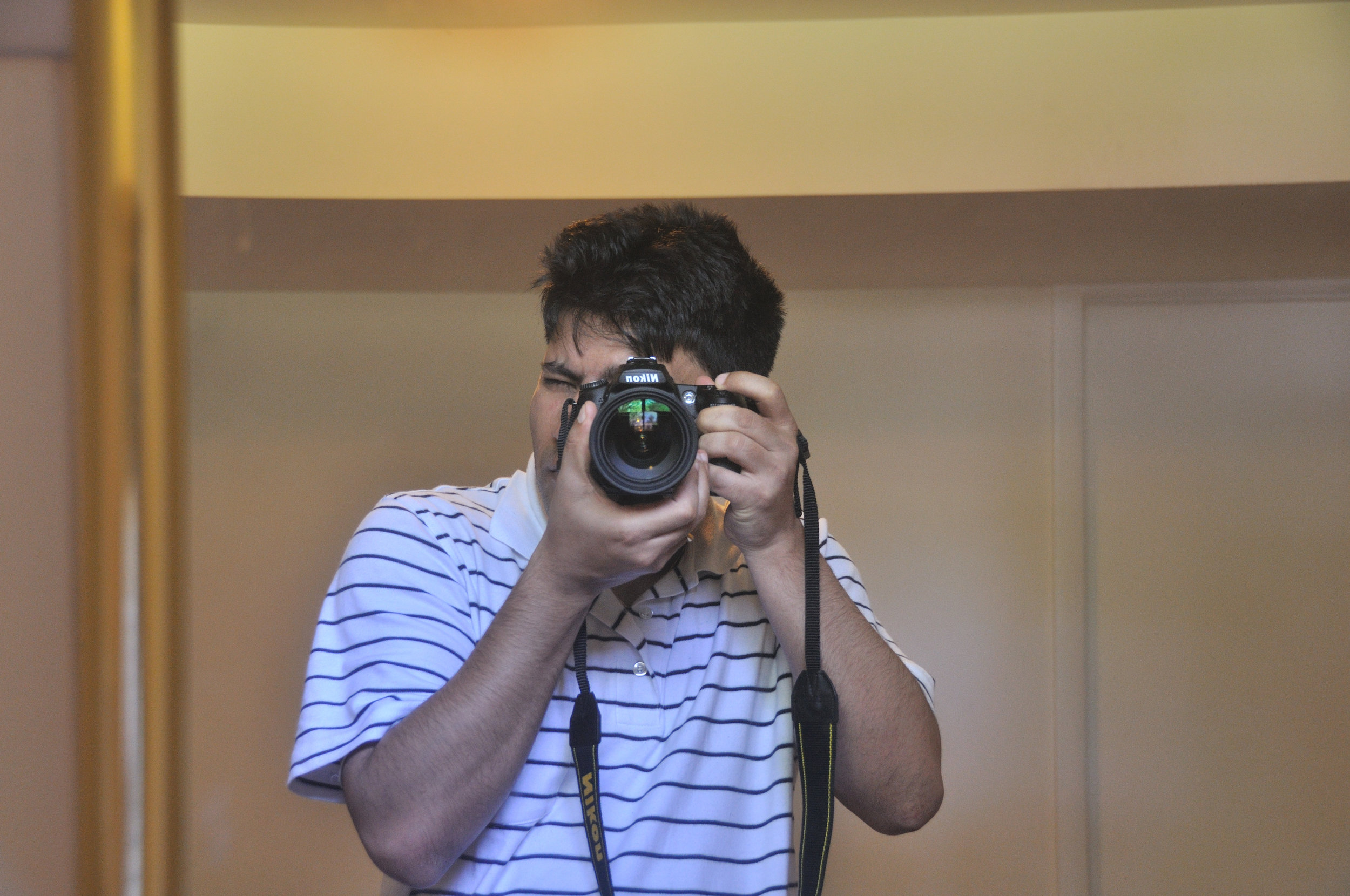
Photograph affected by the Bulb light source

Photograph after adjusting the White Balance
Today's advanced DSLR cameras have many more pre-defined White Balance settings. Nikon D90 also comes with many White Balance options such as Auto WB, Incandescent, Fluorescent, Direct sunlight, Flash, cloudy, Shade, Choose color temp or Preset Manual White Balance. You can choose different Balance techniques depending upon the light condition you are shooting at.
Personally, I shoot RAW images if I doubt the lighting condition and then edit the White Balance later during post-processing.
Advantage of Shooting RAW Images
If you have a doubt on the given lighting condition, you may choose to shoot in a RAW Format and then edit those RAW images during post-processing. When you shoot picture in a RAW format, you will get the exact image taken by the camera's sensor without applying any adjustments like White Balance, Active D-lighting etc. In fact, camera will bypass all these settings and gives you RAW image. This is the beauty of shooting in a RAW format; let the camera take picture as it likes and edit them later on the computer.
And just in case if you want to shoot in a JPEG Format to save some space on your camera memory or for any other reason, Auto White Balance does a pretty good job most of the time. You can always take a shot, preview it on the LCD screen, set the white balance to one of the available presets and take another shot again.