
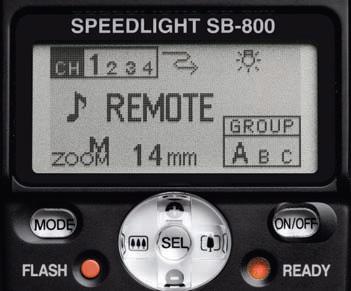
Last time we discussed about Setting up the SB-900 as a Master Flash Unit and Setting up the SB-800 as a Wireless Remote Unit. Now, we will see how to configure a SB-900 speedlight unit as a wireless remote unit or also called a slave unit. Compared to the Nikon SB-800 and SB-600, it’s fairly easy to setup SB-900 into the slave mode. We can set the SB-900 for a remote operation by using the power ON-OFF switch or also called the wireless setting switch.
Here are the steps to follow,

1. Turn the switch while holding down the button at the center.
2. Align the index on the power ON-OFF switch to REMOTE.
This is all you need to do to configure a SB-900 as a remote unit. The next step would be setting up a group and the channel number on the remote flash units.
Setting up the remote unit was pretty easy and straight forward. Now let’s setup the proper group and channel number as you have set in the camera or the Master Flash Unit or SU-800 unit whichever is controlling this remote unit.
1. Press the Function button 1, then turn the selector dial to choose a desired group name, and press the OK button.
Note : Left button to the lock sign is the function button 1 and the right one is the function button 2.

Group name and the channel number being set appears to be larger than the others. For the remote flash units where the flash mode and the flash output level compensation values are to be set identically, place these flash units into the same group.
2. Press the Function button 2, then turn the selector dial to choose a desired channel number, and press the OK button.
Be sure to choose the same channel number as set on the Master flash unit or in the Commander mode on the camera otherwise they do not communicate with each other. Setting up the SB-900 is much more easier and straight forward than the SB-800 or the SB-600.
Source: A Hands-on Guide to Creative Lighting by Nikon School

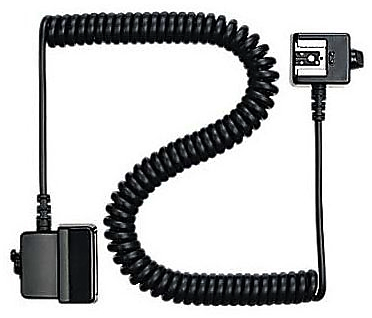



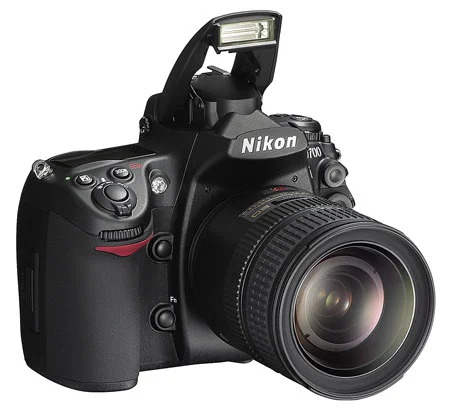

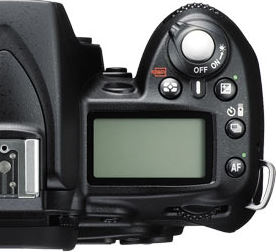


Almost all consumer level DSLRs and some of the pro level DSLRs come with the built-in flash. Professional photographers who shoot wedding, fashion, commercial portrait, or other special events do not rely on built-in flash to illuminate their subject. But, you don't have to use flash only when there is not sufficient natural light. It can also be used as a fill light to remove shadows or to add a catch light to the subject's eye. One of the best thing about the built-in flash is, you don't have to carry around an extra equipment and is always available on your camera, as long as the camera has sufficient battery power to charge and fire the flash. It can be put to use instantly whenever you want and doesn’t require any sophisticated setup. However, you need to understand few basics settings of your camera and should be comfortable navigating through the menu settings and the buttons on the camera.
Use of camera's built-in flash and its effect on the picture is determined by various settings on the camera, but most importantly, which metering mode you are currently using and what exposure mode you are on play a bigger role. Let's recap these camera metering modes briefly and then we can discuss about the steps we would be following in order to use on-camera flash. Since I wrote the blog about camera metering (in more detail) almost 9 years ago, Nikon has added a new metering mode; Highlight-Weighted Metering, which we will be discussing in the section below.