
It is always confusing to find the book which is the best guideline for us to walk through. This creates more confusion when we are totally new to the field and trying to learn something new however possibly we can. When I bought my first DSLR almost 15 months ago, I didn't bother to get a book as a guideline. I learned many things from internet, went to the forum and asked to the experts. I learned myself by playing around with it and seeing other people's work. I took almost 10,000 photos from my D60 and learned from my mistakes. I wish I could have kept that camera but I had no choice but sell it to upgrade to Nikon D90. When I got Nikon D90, it was not totally foreign to me. What I learned with D60 helped me quickly navigate through it’s control and settings. But given the many added features and options this camera came with, I felt the need of better guide than my past experience with less powerful camera. I wanted to get the best result out of it which force me to search for more detailed and descriptive guide for Nikon D90. Soon after, I started searching on Amazon for a good book. I found quite a few books on Amazon but the top two books based on it’s popularity and review were David Busch's Nikon D90 Guide to Digital SLR Photography and Mastering the Nikon D90. After reading lots of reviews from amazon, I decided to go with David Busch's Nikon D90 Guide to Digital SLR Photography.
I am reading this book for a while now and already learned so many new things about DSLR camera that I didn’t know before. This book not only describes about the camera and it's features but also deals with different kind of accessories that fits with the camera. It also talks about various types of lens you can use with camera and it’s pros and cons. Knowing about different kind of lenses is so much important to the beginners. It helps you to get the best possible lens for your photographic genre. I am hoping to learn many more tips and techniques about digital photography and particularly about D90. If you are also reading any book or guide that you find helpful, please do not forget to share with us so that we all can learn from our collective experience.
Keep learning and keep shooting!
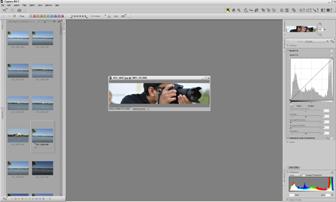


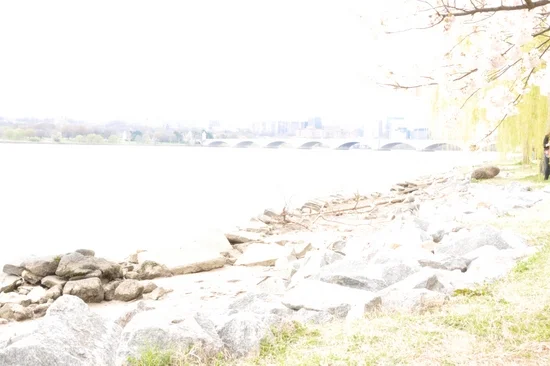
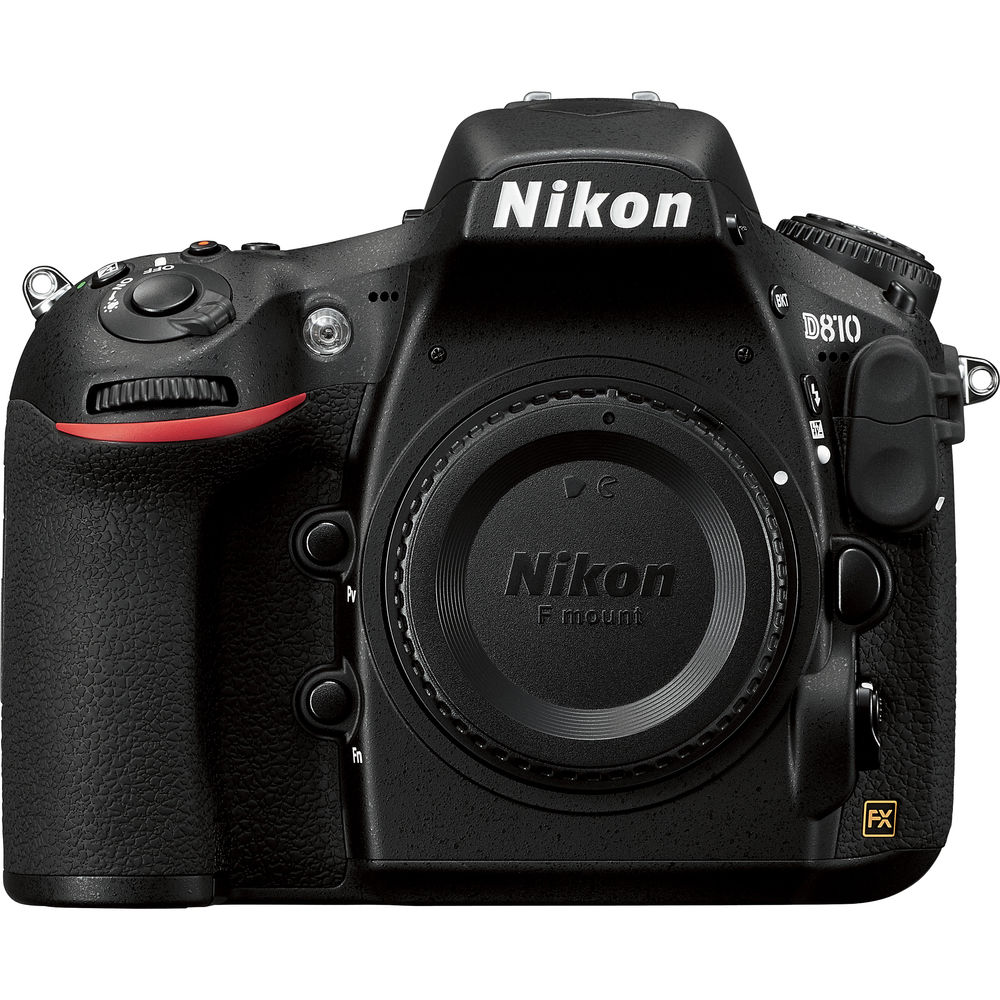


When I started my journey in digital photography ten years ago, I didn't have much interest in post processing. I was more focused on learning photography techniques, know more about the camera controls and the settings and get familiar with the gears, lights and other accessories. As I started gaining more experience with the camera setup and the gears, I felt more comfortable with the technical aspects of the shooting. Slowly, I started learning about the composition technique and used my technical skills to capture the image on various situations. The more I shoot, the more I felt that the camera was not able to capture all the colors I see through the lens. This is when I started to explore the possibility of introducing post-processing tool in my digital photography career. When I was shopping around for my first full frame but third DSLR, Nikon D700, I got introduced to Nikon’s own post-processing tool, Capture NX2, and without putting too much thought into it, I started using it. Since it was my first experience with any kind of post-processing tool, there was a steep learning curve for me but I enjoyed the process. After I started using Capture NX2 for a while, I felt like I was missing a big part of digital photography by overlooking the editing process in my early days of photography. Within a couple of months of using the software, I realized that, when post-processing is applied carefully and skillfully, it can completely change the look and feel of the picture and make it more alive again. But, suddenly, when I was just getting the hang of it, Nikon decided to discontinue the Capture NX2 software and stopped releasing the future updates and the support for the new cameras. I was still able to use the software (to process RAW files from my D700) for a couple of years even after their announcement but it became completely useless when I upgraded my D700 to D810 in 2017.
I had no choice but look for the alternatives which would support the RAW files from the Nikon D810. After doing much research, I decided to go with Adobe Lightroom. It's been little over a year since I started using the Lightroom and I couldn't be more happier. It is lightweight and very powerful program which works well with the varieties of RAW files. When I download the pictures on the computer, I import the RAW (NEF format) files directly into the Lightroom library and edit them when I want to. Besides Lightroom, I don't use any other tool to process my pictures. In terms of editing the picture, what I can do with the Lightroom, I could also do with the Capture NX2 but the process was complex and time consuming. In my experience, I found Lightroom to be much faster compared to the Capture NX2 and provides various powerful tools to edit the pictures with much more ease than it’s competitors. All of the edits done inside the Lightroom are non-destructible, which means Lightroom doesn't modify the original RAW file but only adds the instructions on the file based on what settings were applied during the development of the picture and renders the image by layering up those instructions step by step. You can always go back to the previous steps and undo the changes you made in those steps. However, Lightroom being a linear program, what you can not do is; you can not undo or erase one particular step in the middle and keep rest of the edits intact. For example, after applying 10 steps of editing (changing any one setting is one step of editing), you can’t undo only the 7th step and preserve the changes made in 8th, 9th and 10th steps. If you do so, it will delete everything from the 7th step up-to the 10th step and you have to progress the future editing from the 7th step again.